New version · now on your computer too

Your car, always in sight. Download the findCar app.
Real-time location, route history, geofences and instant alerts. Free for Android, iPhone and desktop.


On a computer? Scan the code with your phone to open this page and get the app.
Inside the app
Built so you always know where your car is
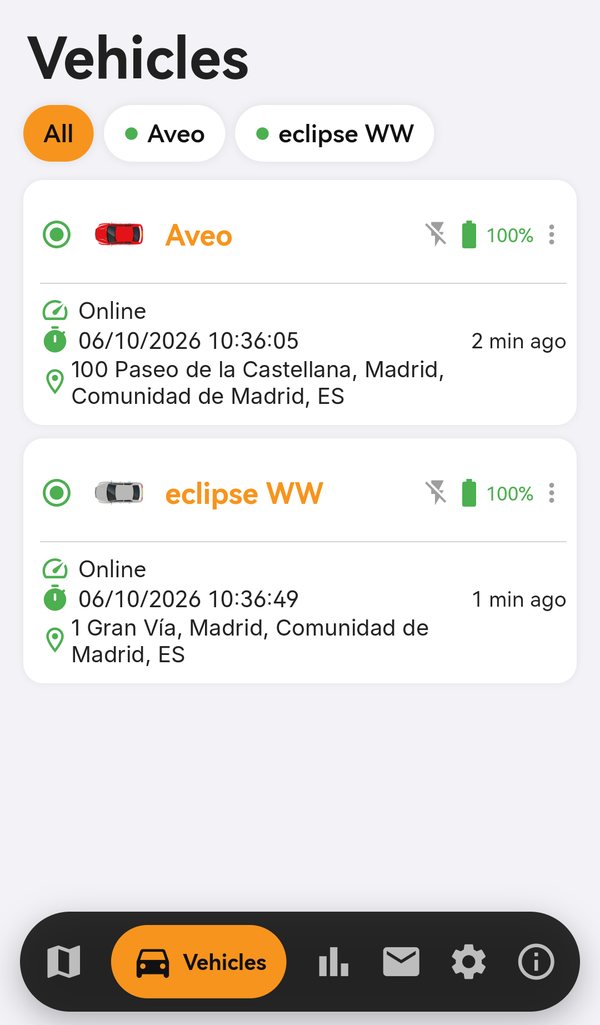
Watch your car move on the map
Real-time position with worldwide coverage.
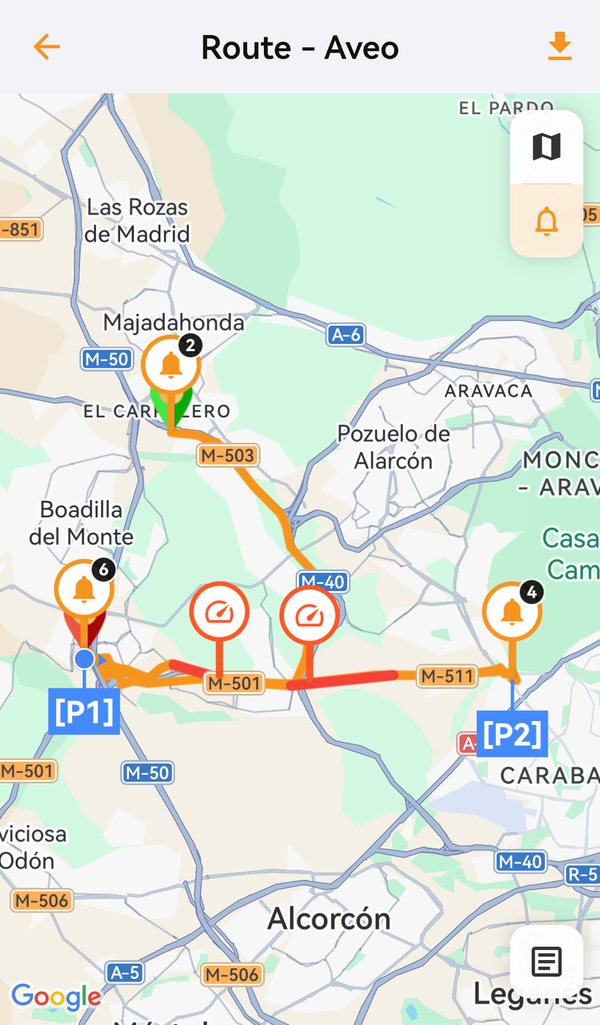
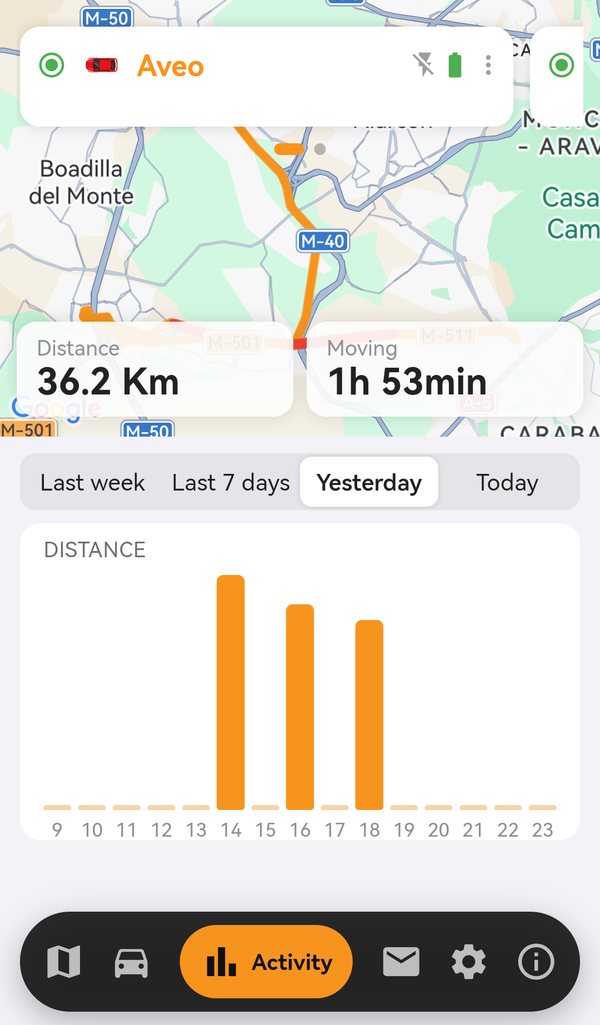
Replay every trip
Routes, stops and reports by day, week or any dates you choose.
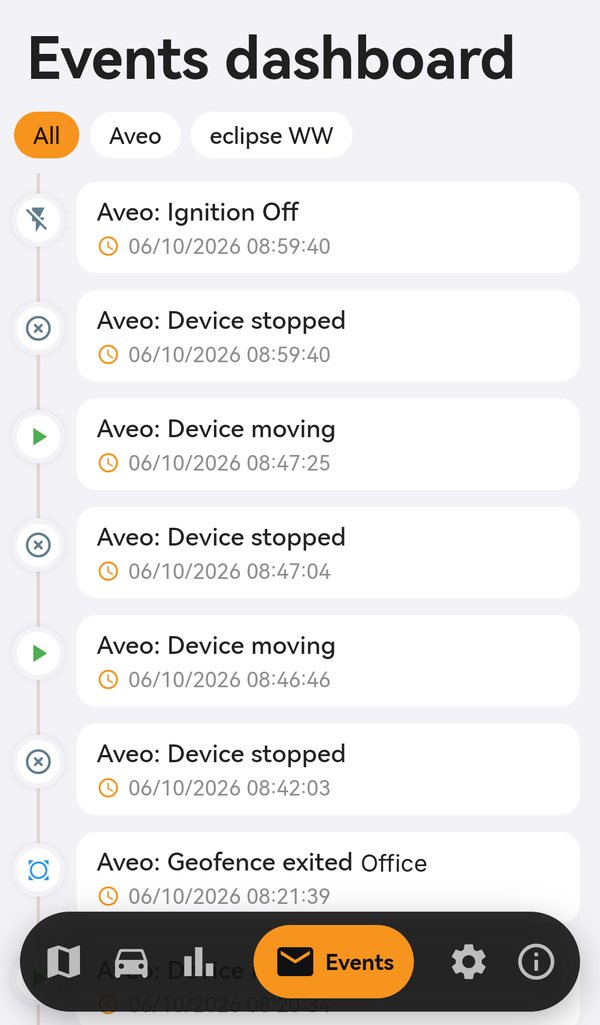
Know the moment it happens
Geofences and push notifications when the car enters or leaves an area.
Web app · also on Chrome
Your vehicles on the big screen
Install findCar in Chrome or Edge and keep it on your desktop like any other program — ideal for tracking several vehicles from the office.
- Click “Install web app”.
- Confirm the installation in Chrome’s prompt.
- Sign in with your findCar email and password.

From the box to the app in 3 steps
01
Plug in the tracker
OBD 4G into the car’s OBD port, or Tracker 4G to the battery.
03
Sign in and add your tracker
Log in with your email and password (or with Google or Apple), then go to Settings and tap “Add device” to scan the IMEI. It activates in 1 to 5 minutes.
The app needs a findCar tracker
Don’t have one yet? Start here.